
 By Marcus Ellison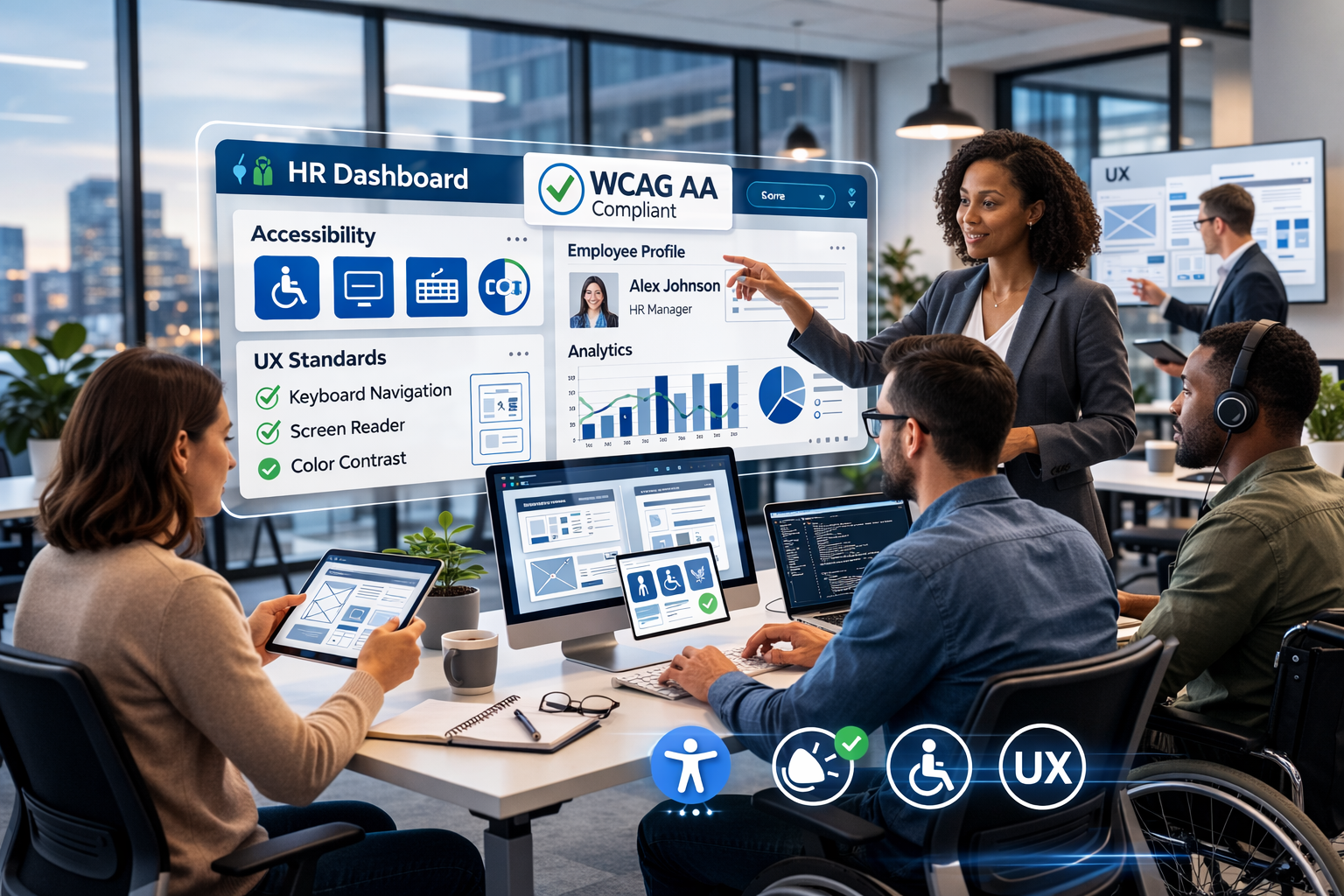
In today’s digital-first workplace, Human Resources departments rely heavily on software platforms for recruitment, onboarding, payroll, performance tracking, employee engagement, and compliance. As HR systems evolve into full-scale digital ecosystems, one principle stands above the rest: Accessibility & UX Standards must be embedded at every level of software and web development.
Modern HR platforms are no longer used only by tech-savvy administrators. They serve employees across different age groups, abilities, languages, and technical skill levels. If HR systems are not accessible, intuitive, and inclusive, they create friction, reduce productivity, and may even expose organizations to legal risk.
This article explores how Accessibility & UX Standards shape HR software development, why they matter, and how development teams can implement them effectively.
HR platforms handle some of the most sensitive and essential employee interactions. From job applications to benefits enrollment, these systems directly impact employee experience.
Implementing Accessibility & UX Standards ensures:
- Equal access for employees with disabilities
- Inclusive design across devices and screen sizes
- Compliance with legal frameworks
- Improved engagement and adoption rates
- Reduced training and support costs
A poorly designed HR portal can discourage applicants, frustrate employees, and slow down administrative workflows. Conversely, a well-designed system enhances trust and efficiency.
Accessibility in HR software means ensuring that all users — including those with visual, auditory, cognitive, or motor impairments — can access and use the platform effectively. The gold standard for web accessibility is the Web Content Accessibility Guidelines (WCAG), which define how digital platforms should be structured to ensure usability for people with disabilities. HR development teams should aim for WCAG 2.1 Level AA compliance as part of their Accessibility & UX Standards strategy.
The gold standard for web accessibility is the Web Content Accessibility Guidelines (WCAG). HR development teams should aim for:
- WCAG 2.1 Level AA compliance (minimum standard)
- Proper semantic HTML structure
- Clear heading hierarchy
- ARIA roles where appropriate
- Sufficient color contrast ratios
Accessibility & UX Standards require more than visual adjustments. They demand structural and functional considerations from the earliest development stages.
Many users rely on keyboard navigation rather than a mouse. HR platforms must:
- Provide logical tab order
- Include visible focus indicators
- Allow form submission via keyboard
- Avoid keyboard traps
For example, job application forms must be fully navigable without requiring drag-and-drop or hover-only features.
HR portals must be compatible with screen readers. This involves:
- Descriptive alt text for images
- Proper labeling of form inputs
- Accessible error messaging
- Clear navigation landmarks
When Accessibility & UX Standards are implemented correctly, assistive technologies can interpret and present content accurately.
While accessibility focuses on inclusivity, UX (User Experience) standards focus on usability, clarity, and workflow efficiency.
HR processes often involve multiple steps. Good UX design ensures:
- Minimal cognitive load
- Clear progression indicators
- Logical grouping of related information
- Reduced form field clutter
For instance, onboarding modules should break long forms into manageable sections rather than overwhelming new hires.
Employees access HR systems via:
- Desktop computers
- Tablets
- Smartphones
Accessibility & UX Standards require responsive layouts that adapt fluidly across devices. Mobile-first design is particularly important for distributed and remote teams.
HR systems frequently involve data entry. Strong UX includes:
- Real-time validation
- Clear, actionable error messages
- Confirmation messages after submission
- Status tracking for applications or requests
Users should never feel confused about whether a form submission was successful.
Ignoring Accessibility & UX Standards can have legal consequences. Many countries enforce digital accessibility laws, including:
- ADA (Americans with Disabilities Act) in the United States
- EN 301 549 in the European Union
- Local accessibility compliance regulations in various regions
HR software must meet accessibility requirements to avoid discrimination claims. Beyond compliance, ethical responsibility demands inclusive digital experiences.
For development teams building HR platforms, accessibility and UX must be integrated into the software development lifecycle (SDLC).
Accessibility should be tested early in development. Teams should:
- Conduct automated accessibility scans
- Perform manual testing with assistive technologies
- Include accessibility checks in CI/CD pipelines
Shifting accessibility left reduces costly redesigns later.
Using a design system ensures consistency across HR modules. A well-built design system should include:
- Accessible UI components
- Standardized button styles
- Pre-tested form elements
- Consistent typography and spacing
This approach ensures Accessibility & UX Standards are consistently applied.
UX is closely tied to performance. HR systems must:
- Load quickly
- Minimize API latency
- Optimize database queries
- Use caching strategies
Slow-loading HR dashboards negatively impact employee experience.
Let’s examine where Accessibility & UX Standards play a critical role in HR software.
Job seekers may include individuals with disabilities. Recruitment portals must:
- Provide accessible job descriptions
- Offer screen-reader-friendly forms
- Avoid inaccessible CAPTCHA systems
Accessibility directly affects talent acquisition.
Employees access pay slips, benefits enrollment, and time-off requests. These portals must be:
- Intuitive
- Secure
- Accessible to all employees
Clear navigation reduces support tickets and HR workload.
Training modules should include:
- Closed captions for videos
- Adjustable playback speeds
- Downloadable transcripts
- Accessible quiz interfaces
Accessibility & UX Standards enhance employee development opportunities.
Forward-thinking organizations treat Accessibility & UX Standards as strategic investments, not compliance burdens.
Benefits include:
- Broader talent reach
- Stronger employer branding
- Higher employee satisfaction
- Reduced legal risk
- Improved productivity
Inclusive HR systems demonstrate that an organization values every employee equally.
Despite best intentions, many HR platforms fail in accessibility and UX. Common mistakes include:
- Using color alone to convey meaning
- Overloading dashboards with excessive data
- Failing to test with real users
- Ignoring mobile responsiveness
- Relying solely on automated accessibility tools
Accessibility & UX Standards require human-centered testing and iterative improvements.
As AI-powered HR systems grow, accessibility must evolve alongside innovation. Integrating ethical frameworks such as explainable AI in HR recruitment ensures transparency, fairness, and improved user trust — especially when automated decisions impact hiring outcomes.
Emerging trends include:
- AI-driven accessibility personalization
- Voice-enabled HR interactions
- Predictive UX improvements
- Accessibility analytics dashboards
Machine learning can analyze user behavior and suggest improvements in real time, but only if accessibility remains a core priority.
The future of HR software is intelligent, adaptive, and inclusive.
Software & Web Development for HR demands more than functionality. It requires thoughtful implementation of Accessibility & UX Standards to ensure inclusivity, efficiency, and compliance.
From recruitment portals to employee self-service dashboards, accessibility and user experience shape how employees interact with their organization. When development teams prioritize WCAG compliance, responsive design, performance optimization, and inclusive workflows, they create HR systems that truly serve everyone.
In a competitive digital workplace, Accessibility & UX Standards are not optional enhancements. They are essential foundations for modern HR technology.
Organizations that invest in accessible and user-centered HR platforms position themselves for long-term success — operationally, legally, and ethically.